
What Is a MAG Box? A Complete Guide to IPTV Setup, Features and Best Practices
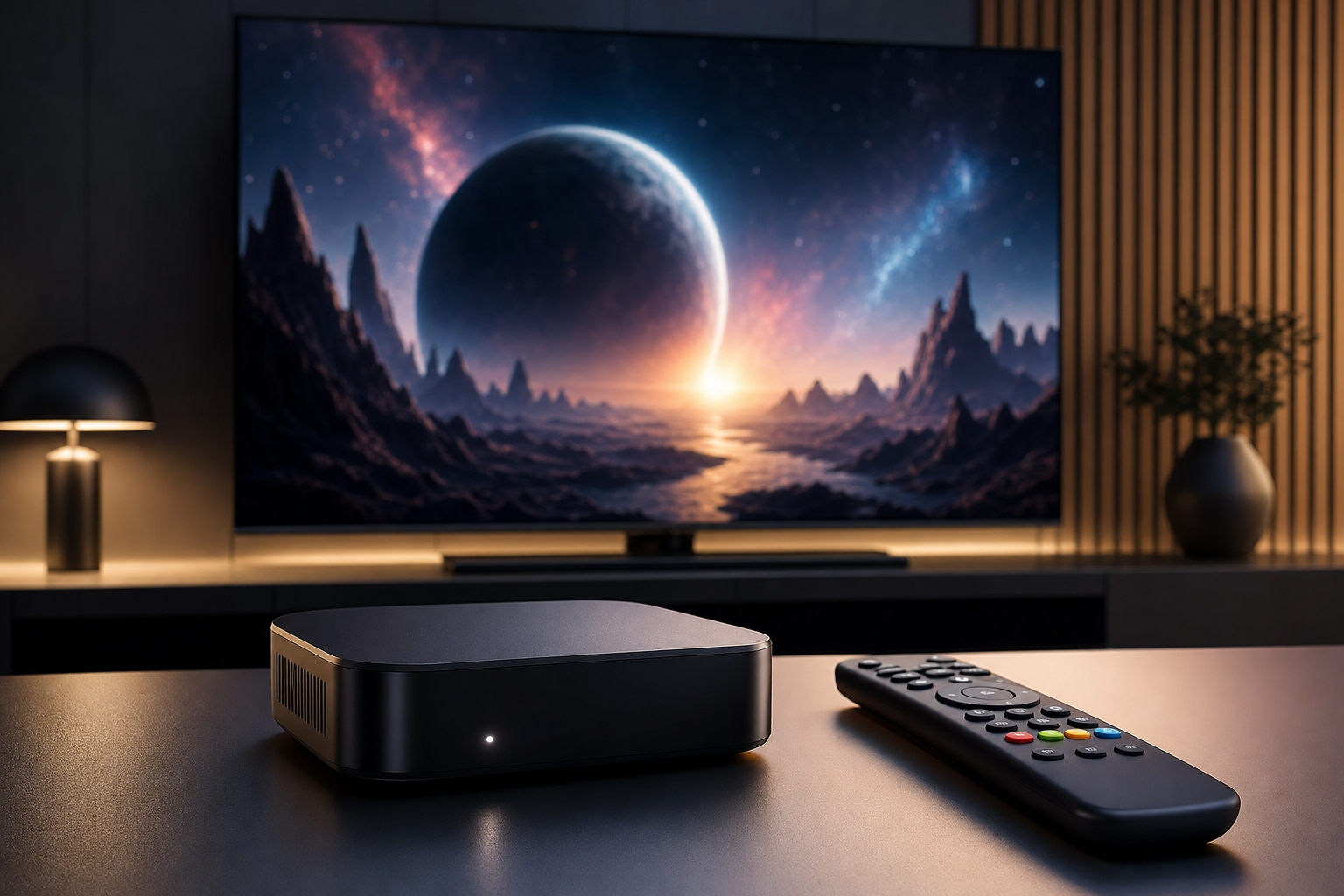
If you are exploring IPTV and want a straightforward way to watch live TV on a television, you will often come across the term what is a mag box. A MAG box is a dedicated set-top streaming device built to work with IPTV portals, delivering live channels, video on demand, and electronic program guide features through a TV-friendly interface.
Unlike general-purpose streaming devices, a MAG box is designed for simplicity. It is built for people who want a remote-controlled, television-first experience without the extra menus and apps that come with a full computer or even some app-based streaming boxes. In the sections below, we will explain how a MAG box works, what features matter, how to set one up, and what to check before choosing a provider.
What Is a MAG Box and How Does It Work?
A MAG box is a set-top device used to access IPTV services that rely on portal-based login systems. In practical terms, you connect the device to your TV, enter the portal details provided by your IPTV service, and the box loads channels, live content, and on-demand libraries through its interface.
Many viewers like this setup because it feels familiar. You power it on, open the service, and start watching. There is no need to manage a large app ecosystem, install extra software, or navigate a complicated operating system. That simplicity is one of the main reasons magbox IPTV setups remain popular with households that want easy day-to-day use.
MAG boxes are often discussed alongside upstream IPTV because both are commonly associated with portal-based delivery, stable channel access, and straightforward configuration. For users who prioritize reliability and a traditional TV experience, that combination can be appealing.
Why People Choose a MAG Box
There are several reasons people prefer a MAG box over other IPTV playback options:
- Simple navigation: The interface is built for remote control use and is usually easy to learn.
- TV-first design: It is made for living-room viewing rather than general computing.
- Portal compatibility: Many IPTV services provide portal access that works naturally with MAG-style devices.
- Low learning curve: This is helpful for family members who do not want to manage complex apps or settings.
- Purpose-built experience: It focuses on live TV and channel browsing instead of broad app functionality.
If you want a basic, dedicated setup that behaves like a classic cable box, a MAG box is often the most intuitive option. If you want broader app support and more customization, an Android-based streamer may be worth comparing as well.
Key Features to Check Before You Buy
Not every device or service is the same. Before choosing a MAG box or any similar IPTV device, it helps to review the points below carefully.
1. Portal compatibility
The most important question is whether your IPTV provider supports the portal format used by the device. Most MAG setups depend on portal-based activation, so compatibility should be confirmed before purchase. A device that looks right on paper may still be unusable if the provider does not support it.
2. Stream stability and video quality
Picture quality matters, but smooth playback matters more. A strong IPTV setup should load channels quickly, hold a stable connection, and minimize buffering. Even the best device will struggle if the service is unstable or your internet connection is inconsistent.
3. Easy navigation and remote use
A major benefit of a MAG box is that it is easy to operate from the couch. Menus should be clear, the guide should be readable, and switching between channels should feel responsive. This is especially useful for households that want a simple screen in the living room or bedroom.
4. Household device limits
If you need IPTV on more than one screen, check the plan carefully. Many people search for iptv 4 devices or iptv subscription for 2 devices canada because they want flexibility across the TV, tablet, and phone. Always confirm whether the plan allows multiple concurrent streams or only one device at a time.
5. Setup requirements
Before ordering, confirm the device is compatible with your television ports, home internet connection, and preferred service type. Some users prefer MAG boxes because they are straightforward. Others may compare them with smart TV apps or Android boxes for more flexibility. The best choice depends on how you watch and how much setup you want to manage.
6. Support and activation process
Clear instructions matter. A reliable provider should explain how to enter portal details, how activation works, and what to do if the service needs to be refreshed later. This is especially important for users who want quick setup and minimal troubleshooting.
7. Canadian availability and service clarity
For Canadian customers, transparency matters. Whether you are comparing iptv multiple devices canada options or looking for local support, the important thing is that device limits, activation steps, and service terms are easy to understand before you buy.
How to Set Up a MAG Box
Setting up a MAG box is usually simple, but accuracy matters. A small typo in the portal details can prevent the service from loading properly.
Step 1: Connect the hardware
Connect the MAG box to your television using the correct video cable or port, then connect power. For internet access, use Ethernet if possible, since a wired connection is generally more stable than Wi-Fi. If your model supports wireless internet, you can use that as well.
Step 2: Prepare your service details
Your IPTV provider should supply portal information or activation instructions. Keep those details ready before you begin. If your plan supports multiple screens, make sure you know which device should be activated first.
Step 3: Enter the portal information
Open the settings menu and enter the portal address or other required provider information exactly as given. Portal-based systems are sensitive to errors, so double-check every character before saving.
Step 4: Restart and test the service
After saving your settings, restart the device if needed. Then test live TV, the program guide, and a few channels from different categories. This helps confirm the setup is working properly.
Step 5: Organize your household viewing plan
If your subscription allows more than one device, decide where each screen will be used. For example, the living room might be used for sports, the bedroom for casual viewing, and a tablet for flexible mobile use. Planning this early can help you stay within your subscription rules and avoid conflicts later.
Some users also compare MAG boxes with Android streaming devices. A MAG box may be a better fit if you want a dedicated TV experience with less clutter. Android boxes may offer more apps and customization, but they can also require more setup and maintenance.
Common Mistakes to Avoid
Many setup problems happen before the device is even turned on. Avoid these common mistakes when choosing an IPTV box or service.
- Assuming every provider supports every device: Portal compatibility is not universal.
- Choosing only by price: A cheaper option is not helpful if it buffers or is difficult to activate.
- Ignoring device limits: If you need more than one screen, the plan must allow it.
- Overlooking your internet connection: Even a good box cannot fix weak Wi-Fi or congestion on the network.
- Skipping support details: If portal settings need to be re-entered, clear support can save time.
Some buyers search for ip tv near me or ottawa iptv because they want local support or a provider that feels more accessible. That can be useful, but the core decision still comes down to compatibility, service quality, and device allowance.
Troubleshooting Common MAG Box Problems
Even a well-configured setup can run into occasional issues. Here is how to approach the most common ones.
Buffering or freezing
Start by checking your internet speed, Wi-Fi signal, and whether other devices are using a large amount of bandwidth. If possible, switch to Ethernet and test again. You should also confirm whether the service itself is experiencing issues.
Portal will not load
If the portal does not connect, recheck the address and any login or activation details. One missed character can block access. If everything looks correct, restart the box and try again.
Missing channels
If only certain channels are unavailable, the issue may be temporary or related to the service source rather than your device. Refresh the portal or contact support for clarification.
Remote control issues
Replace the batteries first. If the remote still does not respond, restart the box and make sure nothing is blocking the signal between the remote and the device.
Picture or sound mismatch
If audio and video do not match properly, check your resolution settings and TV input settings. Make sure the box is using a format supported by your television.
When you use upstream IPTV or any portal-based service, it is smart to keep your activation information stored safely. That makes it easier to restore your setup if you ever need to reconfigure the device.
Is a MAG Box Right for Your Household?
A MAG box is a strong option if you want a simple, remote-friendly IPTV experience and do not want to manage a complex app environment. It is especially suitable for households that want a dedicated television device for live TV, sports, and on-demand viewing.
If your household needs flexibility across several screens, make sure your provider supports the number of devices you require. This is where searches for iptv 4 devices, iptv subscription for 2 devices canada, and iptv multiple devices canada become relevant. The right plan should match your household size and viewing habits.
If your main priority is simplicity, the MAG box is usually easier to live with than more flexible but more complex streaming options. If your priority is app variety or broader smart-home integration, a different device category may be better.
Frequently Asked Questions
What should I know about what is a mag box?
A MAG box is a set-top streaming device designed for IPTV portals and television use. It is popular because it offers a simple interface for live TV and on-demand content.
How do I get started with a MAG box?
First confirm that your IPTV provider supports MAG-style portal access. Then connect the device to your TV and internet, enter the portal details, and test the service.
What features matter most when choosing one?
Portal compatibility, stream stability, device support, ease of navigation, and responsive support are the most important factors. If you need more than one device, check the plan limits before buying.
Can I use a MAG box with multiple devices?
Yes, but that depends on your IPTV plan. Some services allow multiple simultaneous streams, while others are limited to one device. If you need a iptv subscription for 2 devices canada or a larger plan, confirm the terms first.
What common mistakes should I avoid?
Do not assume all boxes work with all providers. Do not ignore your internet quality or device limits. And do not skip setup instructions before activation.
Is a MAG box better than an app-based IPTV player?
It depends on how you watch. A MAG box is often better for people who want simplicity and a TV-first experience. An app-based player may be better if you want more flexibility and customization.
Conclusion: Choosing the Right MAG Box Setup
A MAG box is a practical IPTV device for people who want an easy, television-friendly way to watch live channels and on-demand content. Its appeal comes from its simplicity, portal-based access, and remote-friendly design.
Before choosing one, focus on the essentials: compatibility, stream quality, support, and how many devices your plan allows. If you are comparing options in Canada, or searching for ottawa iptv or ip tv near me options, make sure the provider is clear about activation and household use.
The best next step is to confirm your viewing needs, verify the device and portal support, and choose a plan that fits your home. That will give you a smoother setup and a better day-to-day IPTV experience.

No Responses