
Transform your Apple TV into the ultimate streaming powerhouse. Install IPTV in minutes and unlock thousands of live channels, movies, and shows.
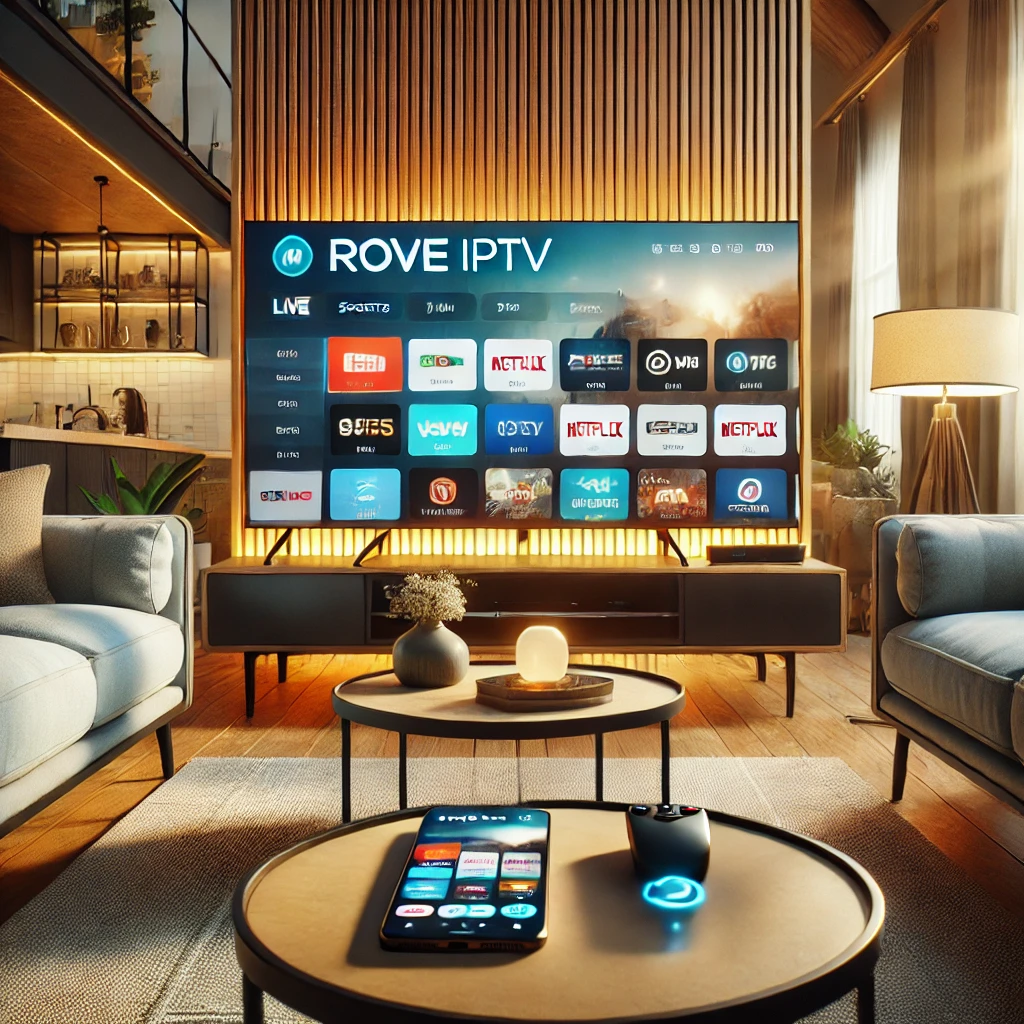
Watch Setup Guide
3 minutes tutorial
Installing IPTV on Apple TV is a simple process that requires an IPTV-compatible app and an active IPTV subscription. First, open the App Store on your Apple TV and download a trusted IPTV player such as IPTV Smarters or a similar Apple TV–supported application. Once installed, launch the app and log in using the credentials provided by your IPTV service (Xtream Codes, M3U URL, or API login). After authentication, the app will sync channels and content automatically, allowing you to start streaming live TV, sports, and on-demand content on your Apple TV.
Discover why Apple TV is the perfect device for your IPTV streaming needs
Apple TV's powerful processor ensures smooth IPTV playback with minimal buffering and faster channel loading times.
Enjoy IPTV channels in HD and 4K quality, making Apple TV one of the best devices for premium IPTV viewing.
IPTV apps on Apple TV offer clean layouts, easy navigation, and quick access to live TV Channels, VOD, and catch-up content.
Apple TV provides a secure operating system with regular updates, reducing crashes and improving IPTV app stability.
IPTV on Apple TV integrates smoothly with sound systems, AirPlay, and other Apple ecosystem features for an enhanced viewing experience.
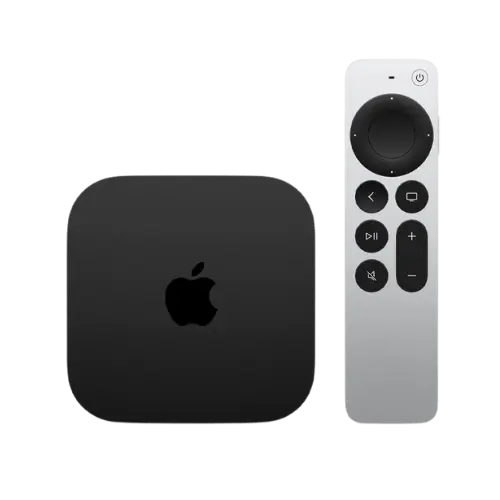
Apple now allows IPTV Streaming through the Smarters Player Lite application, found in the Apple App Store.
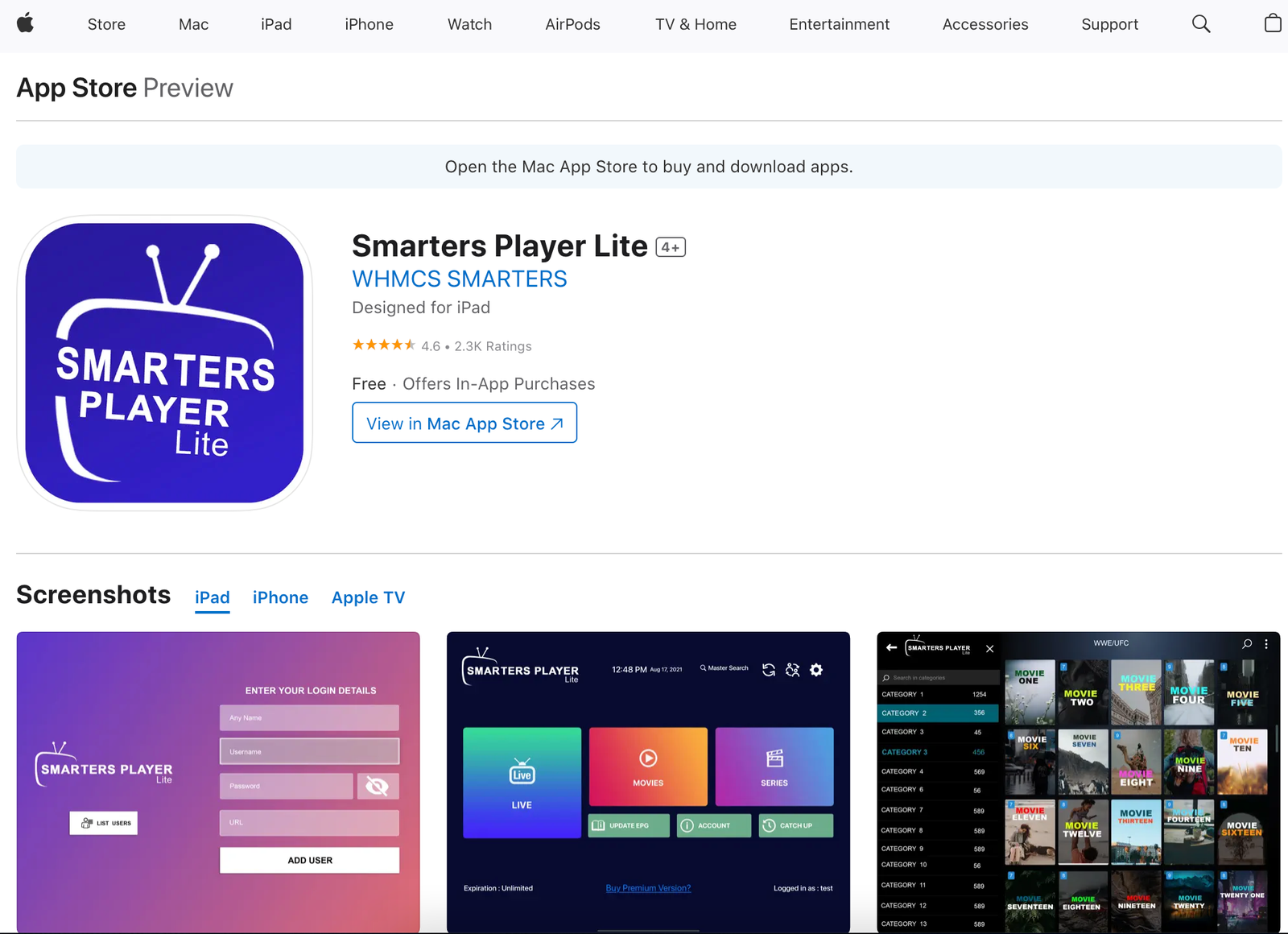
Download the Smarters Player Lite to your Apple Device from the App Store.
Choose Xtream Codes and insert the login details provided by us.
Click Add User and enjoy unlimited entertainment!
Everything you need to know about IPTV on Apple TV
Smarters Player Lite is the most recommended IPTV app for Apple TV. It's available on the App Store and supports Xtream Codes API for seamless streaming.
Yes, you need an active IPTV subscription with valid Xtream Codes credentials to access live channels and VOD content.
Yes! Apple TV 4K fully supports high-definition and 4K streaming, provided your IPTV subscription includes 4K channels.
IPTV technology itself is legal. However, ensure you're using a legitimate IPTV service with proper broadcasting rights.
Get your IPTV subscription today and enjoy unlimited entertainment on your Apple TV.
Contact Us on WhatsApp10,000+
Live Channels
50,000+
Movies & Shows
100+
Countries
99.9%
Uptime